If you’re like me you are either wishing you had an iPad or discovering how to use your iPad in therapy. I have been in both situations this year. My younger sister was not utilizing her iPad (1st generation) so she is allowing me to borrow it for use in therapy until I can afford to purchase my own (which I hope will be an iPad 3 this Spring/Summer!). I posted previously about a Speech Hunt and MadLibs we have done with the iPad that the kids LOVED! Here are a few more activities, apps, etc. that I have found helpful for therapy with the iPad so far! I love it!
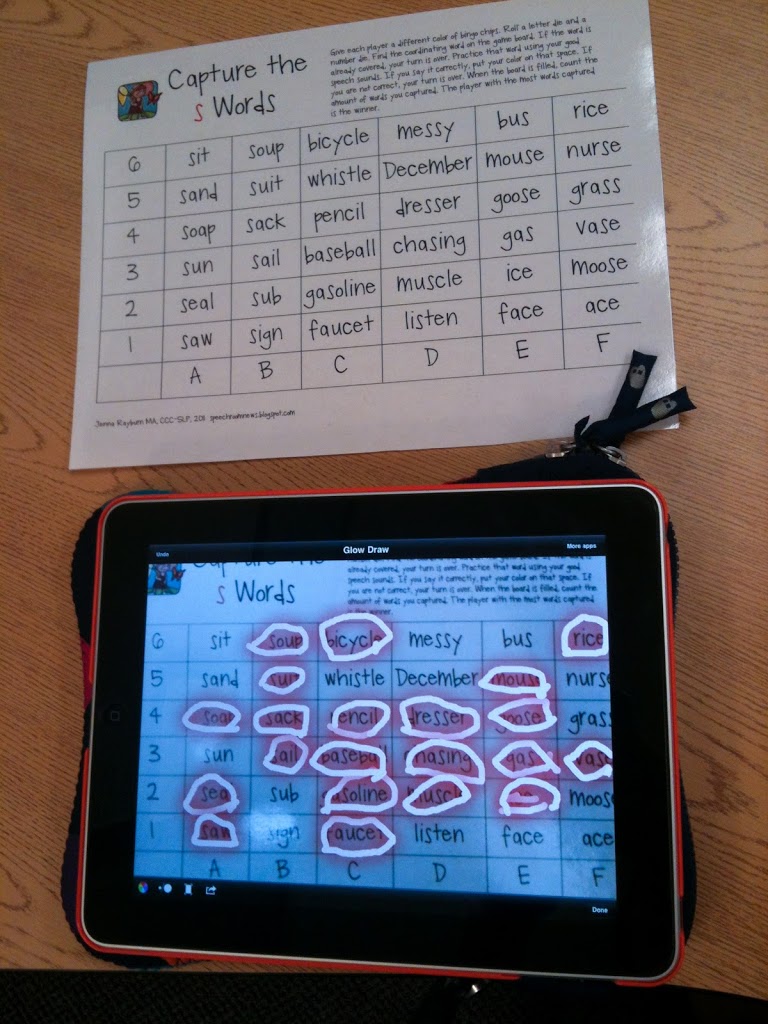
I uploaded a photo of the wonderful “Capture the __ Words” gameboard provided by Speech Room News then we used the Glow Draw! app (free) to play!
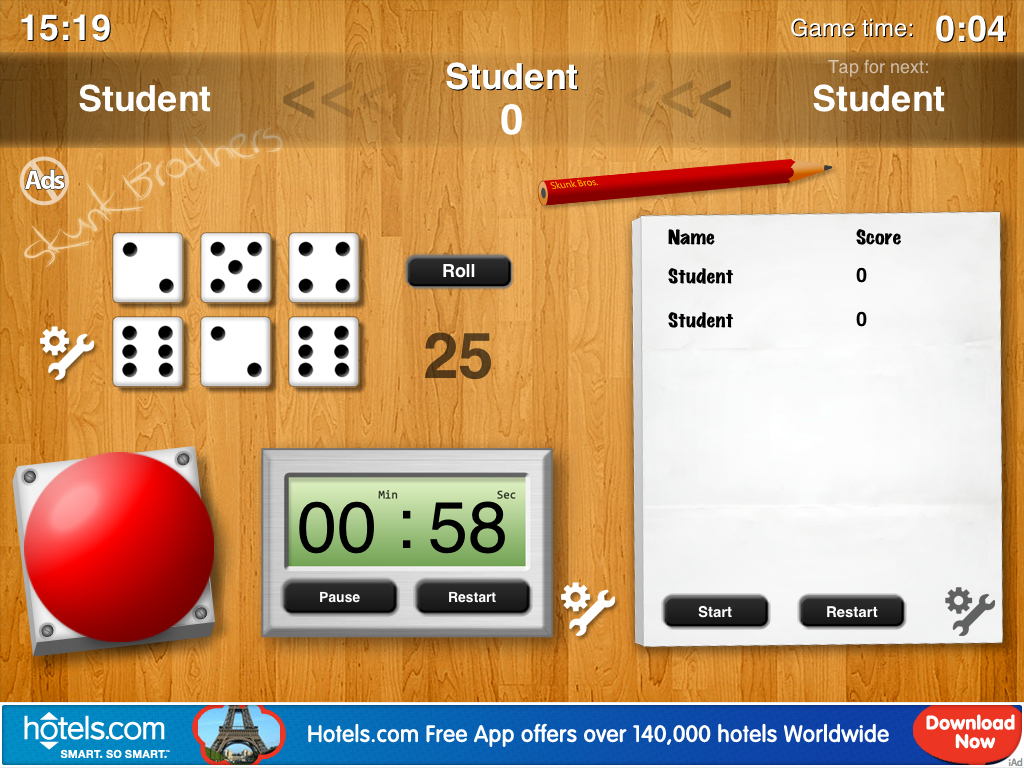
By the end of the day I am insanely tired of hearing dice hit the table so why not have dice on the iPad? This GameTools app (free) allows you multiple game functions. There are up to six dice (you can +/- the dice), a timer, a score card, and a buzzer.
Here are “some” of the apps I use on my iPad. Most were free, some were a few dollars or less:
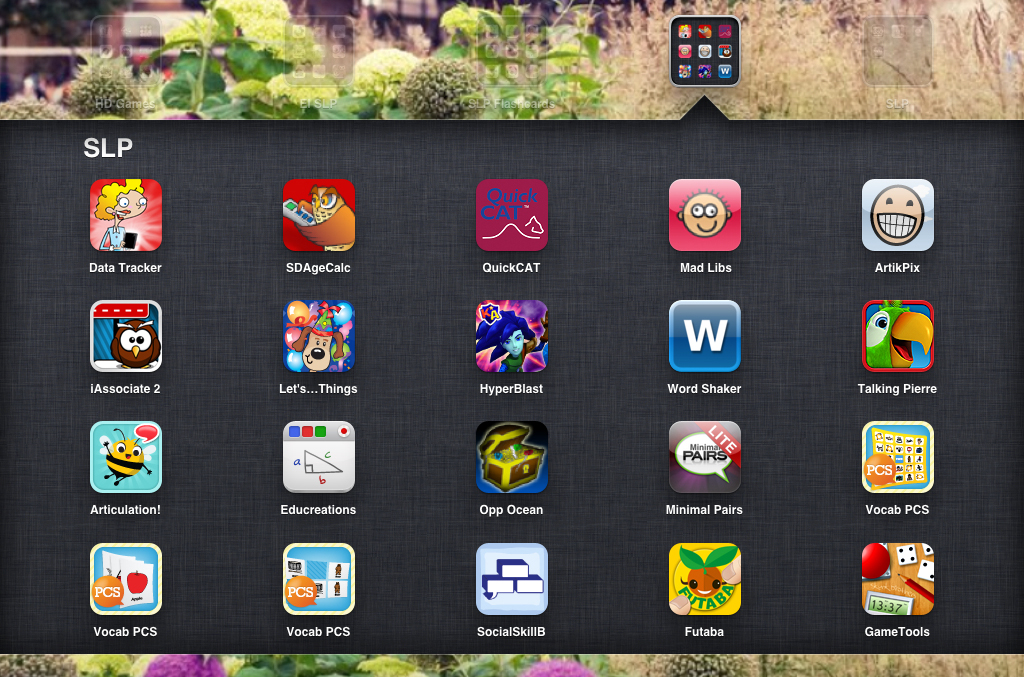
(Favorites from this shot: Data Tracker by SuperDuper, MadLibs, Talking Pierre, Educreations – see below for more, SocialSkillsBuilder, Futaba, and GameTools)
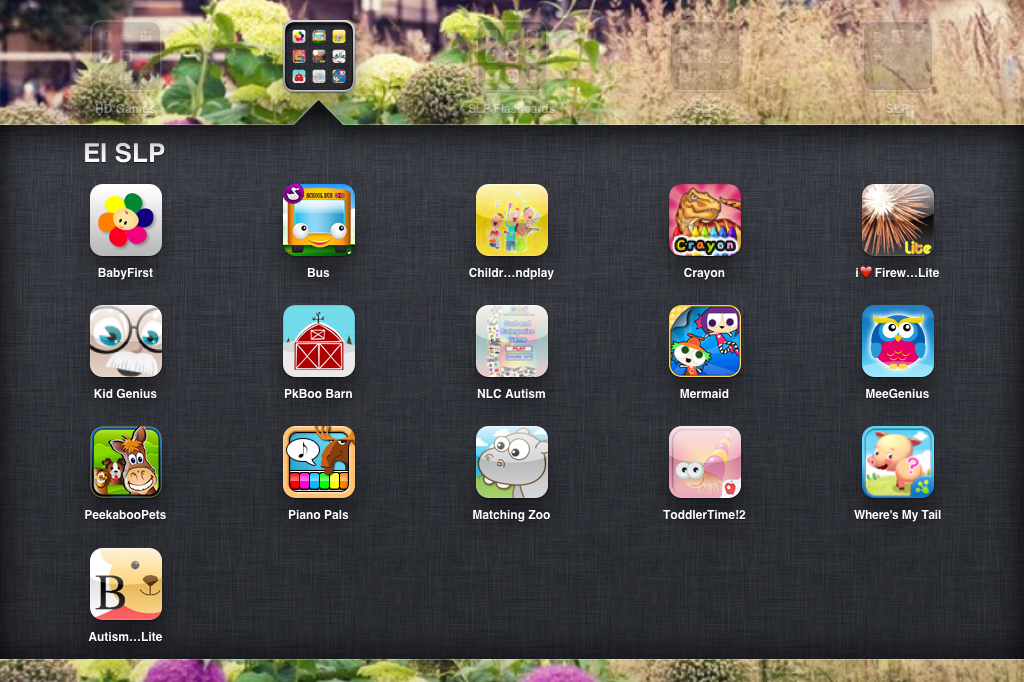
(Favorite Early Intervention apps from this shot: Wheels on the Bus, Peekaboo Barn, Buddy Bear Lite)

(The first 12 apps are the ABA Flashcards which are FREE! They’re not amazing but can be useful, portable, and of course, free!)
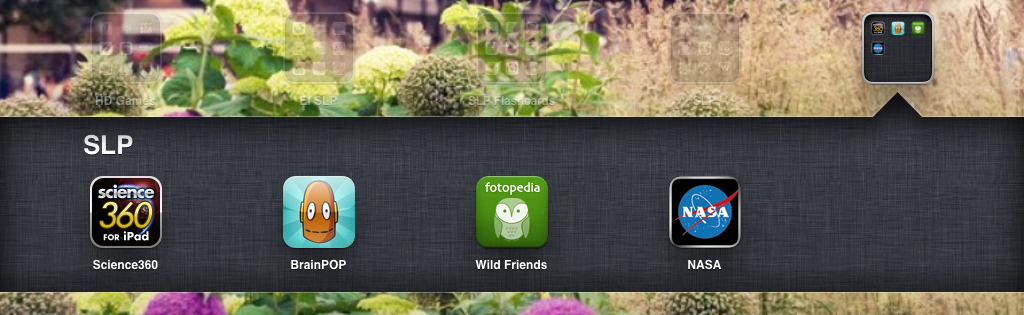
(The BrainPOP app is amazing! There are FREE videos about several upper level – 3rd/4th grade minimum – and 10 question comprehension quizzes afterward! Great for recalling details, sequencing, vocabulary, and more! The videos are each about 5-10 minutes in length. The WildFriends, Science360, and NASA apps have great photos, articles, etc. for various language activities… maybe even articulation!)
The following two photos are examples of how I’ve been using the iPad to complete otherwise unappealing worksheets. Again, I use the GlowDraw app for this. Plus, this saves paper which is always great!
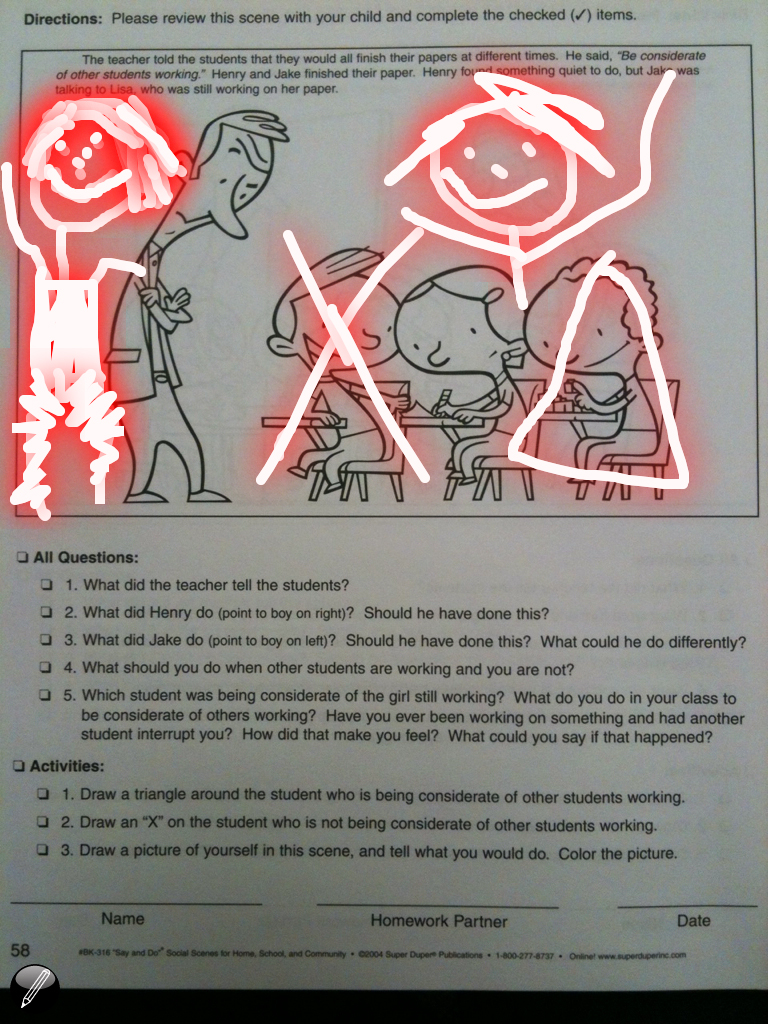
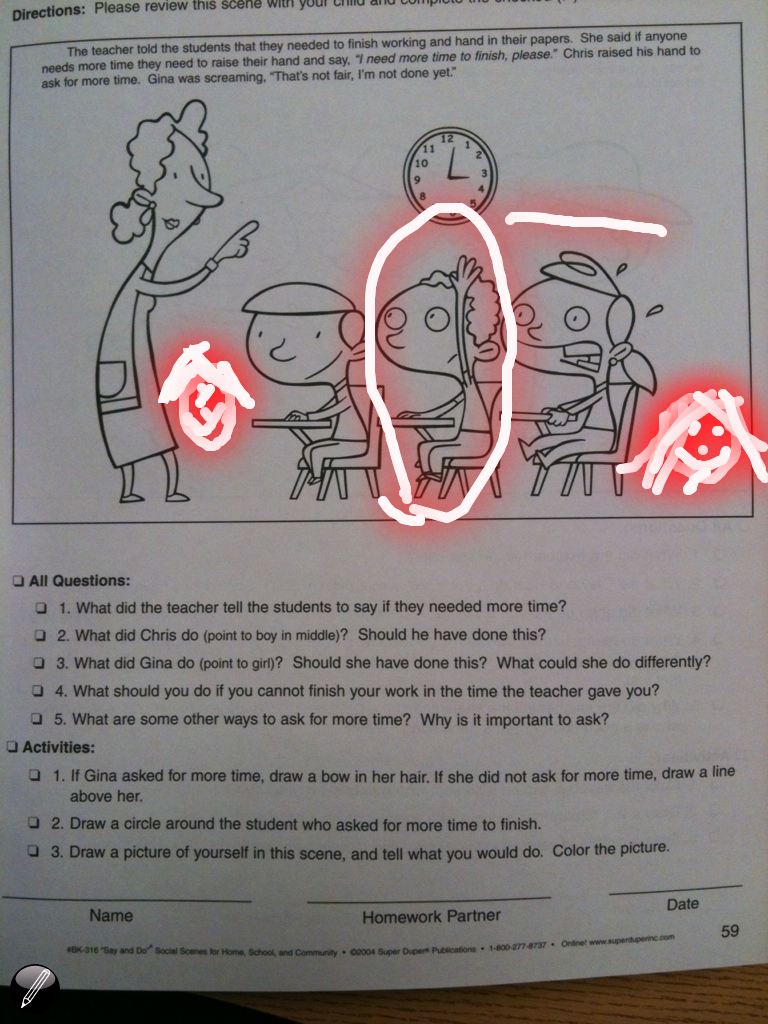
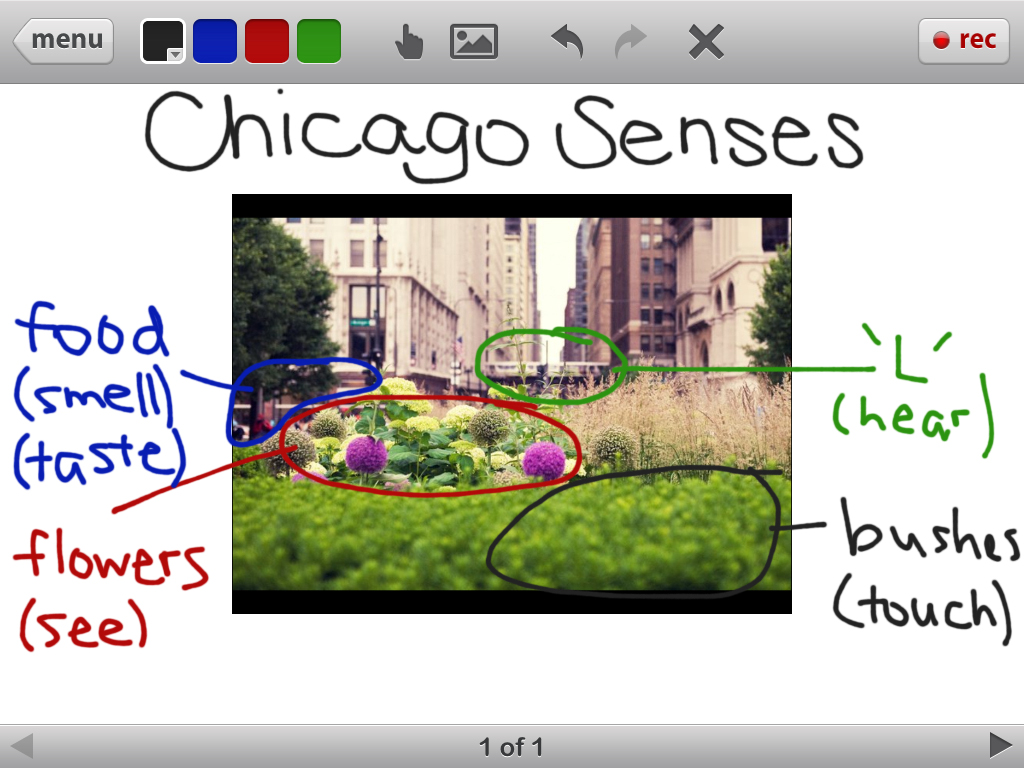
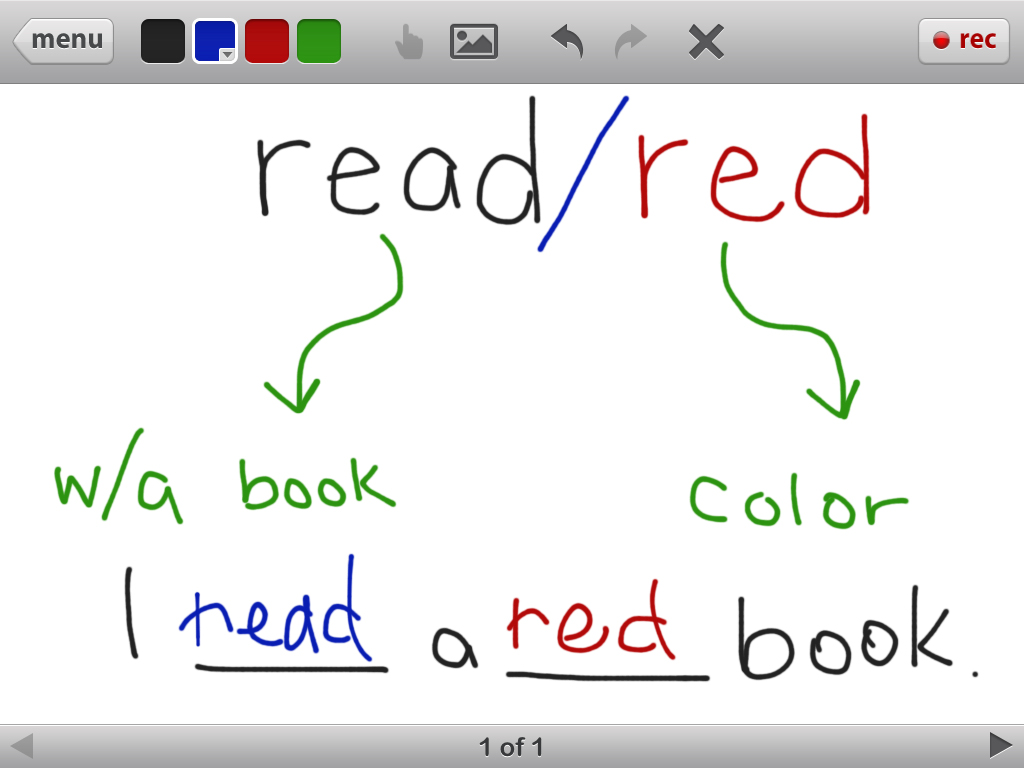
This is the Educreations app (free). It is a whiteboard for your iPad! You can upload photos, write in various colors, and even RECORD what you do to send to others. We use it to discuss vocabulary, label, complete worksheets, and more:
Please share your favorite apps below!
Wonderful post and great ideas for using the iPad in therapy. I spent some time today downloading some of the apps you suggested. The iPad really is an amazing tool! My favorite apps are the Toca Boca apps (which are paid apps). I love the Toca Boca store app which has so many opportunities for language. I also like Doll House to go and Play Home which both have lite versions.
Thanks for sharing! I’ll have to look into those apps!
Every SLP needs See.TouchLearn. It is the best app I’ve purchased and totally affordable! The photo libraries are on sale all the time for 99 cents and the lite version (just as good as the pro, but doesn’t include all the libraries like the pro) is free! Definitely worth a try, I guarantee you’ll fall in love!
There are a group of apps by Mobile Education Store that are excellent. There is Sentence Builder, Question Builder, Preposition Builder, to name a few. My Spec Ed Coordinator got a bulk discount on them. I also love ArtikPix Full Edition. You can track data on each student/client and even add his/her picture!
How did you upload your picture into Glow Draw?
For me I took a picture of the website and then in glow draw there is an option to open a picture from your pictures. I’m not sure if you can open PDFs in the app but you can do a screen shot of anything, including websites, and then use that in both glowdraw and Educreations.
I cannot wait to download that EduCreations! Seems perfect for my therapy room! Thanks for sharing!
I love what you did with the super duper worksheet and the GlowDraw app! How did you get the worksheet to show up in the app? I took the picture of the worksheet but when I opened Glow Draw- I couldn’t get the photo.